
If you want to watch Paramount Plus movies offline—during flights, long commutes, or in areas with poor connectivity—the platform allows you to download select titles directly to your mobile device. However, not all content is downloadable, and the feature works only with certain subscription tiers. This comprehensive guide explains everything you need to know, including device support, step-by-step instructions on how to Download Movies on Paramount Plus, download quality settings, limitations, and troubleshooting.
What You Need Before Downloading Movies on Paramount Plus
Before downloading, ensure the following requirements are met:
Subscription Requirements
Offline viewing is available only for Paramount+ with SHOWTIME (Ad-Free).
The Essential (ad-supported) plan does not support offline downloads.
Supported Devices
You can download movies on:
- iPhone (iOS)
- iPad (iPadOS)
- Android phones
- Android tablets
- Amazon Fire tablets
Not supported on:
Smart TVs, browsers, Windows PCs, Mac computers, Roku, Chromecast, Xbox, PlayStation, or Fire TV devices.
App & Storage Requirements
- Update the Paramount+ app to the latest version
- Ensure your device has enough free storage
- Use a stable Wi-Fi connection for faster downloads
Feature-by-Feature Comparison Table
| Feature | Paramount+ Essential (Ad-Supported) | Paramount+ Premium (Ad-Free) |
| Offline Downloads | No | Yes |
| Ad-Free Viewing | No (except Live TV) | Yes (except Live TV) |
| Live CBS Stream | Yes | Yes |
| SHOWTIME Content | Select Series | Full SHOWTIME Access |
| Streaming Devices | Mobile, Smart TV, Web, etc. | Mobile, Smart TV, Web, etc. |
Key Takeaways
- Plan Requirement: You must subscribe to the Paramount+ Premium plan (or the international equivalent of the ad-free tier) to enable downloads.
- Device Support: Downloads are only supported on the Paramount+ mobile app for iOS (iPhone/iPad, iOS 16+) and Android (phone/tablet, Android 7+) devices.
- Download Limit: You can have a maximum of 25 downloads in your library at any given time across all your registered devices.
How to Download Movies on Paramount Plus (Step-by-Step)

Step 1: Open the Paramount+ App
Launch the official Paramount+ app on your mobile or tablet.
Step 2: Sign In
Log in with your ad-free Paramount+ with SHOWTIME account.
Step 3: Find the Movie You Want
Use the Search bar or browse categories like Movies, Originals, Trending, or Genres.
Step 4: Look for the Download Button
Movies that support offline viewing will show a download arrow icon next to the title.
If you don’t see the icon, the content is not downloadable.
Step 5: Tap “Download”
Tap the download arrow to begin saving the movie.
Step 6: Wait for Completion
A progress circle indicates the download status.
Keep the app running until the movie finishes downloading.
How to View Your Downloaded Paramount Plus Movies

To access offline content:
- Open the Paramount+ app
- Tap your Profile icon or the Menu
- Select Downloads
- All saved movies will appear in this list
You can play them anytime without internet.
How to Delete Downloads to Free Storage
- Go to Downloads
- Tap Edit or swipe left on any movie
- Tap Delete
This helps manage device storage and maintain download capacity.
Paramount Plus Download Quality Settings
You can adjust download quality to manage storage or optimize playback:
How to Change Download Quality
- Open the Paramount+ app
- Go to Settings
- Select Download Quality
- Choose from:
- Standard Quality (smaller file size)
- Higher Quality (better resolution, larger file size)
Recommendations
- Use Standard Quality for mobile data or limited storage
- Use Higher Quality for tablets or long trips where video clarity matters
Quick Highlights Table
| Feature | Details |
|---|---|
| Offline Downloads | Only on Paramount+ with SHOWTIME |
| Supported Devices | iOS, iPadOS, Android, Fire tablets |
| Not Supported | PC, Mac, Smart TVs, Consoles |
| Expiration | 30 days before watching; 48 hours after starting |
| Storage Needed | Depends on quality setting and movie length |
| Region Restrictions | Some downloads may not play outside home region |
| Download Limit | Varies per account and content licensing |
Paramount Plus Download Limitations (Important Notes)
- Download Expiration:
- Unwatched downloads expire after 30 days
- After you begin watching, the title typically expires in 48 hours
- Device Limitations:
Paramount Plus may restrict how many devices per account can store downloads. - Content Licensing:
Not all movies are available for offline download. - Geographic Restrictions:
Some downloads cannot be played while traveling internationally.
Pros & Cons
| Pros (Official Downloads) | Cons (Official Downloads) |
| Watch content without Wi-Fi/data. | Requires Premium plan. |
| High-quality video resolution. | Only available on iOS/Android phones and tablets. |
| Easy to use within the official app. | Downloads expire (30 days unwatched / 48 hours after starting playback). |
| Max limit of 25 titles in the library. |
Common Error Messages and Fixes
“Download not available for this title”
The movie is not licensed for offline viewing.
“Subscribe to download”
You need the Paramount+ with SHOWTIME (Ad-Free) plan.
“Not enough storage”
Free up space by deleting old downloads or unused apps.
“Too many devices with downloads”
Remove downloads from another device linked to the same account.
“Download failed”
Check your Wi-Fi connection or update the app.
Troubleshooting: Why You Can’t Download Movies
If the download icon does not appear:
- You’re not on the Ad-Free plan
- Your device is unsupported
- The app needs an update
- Storage is full
- The content is restricted for offline use
- Your region has download limitations
Best Practices for Offline Watching
- Download movies using Wi-Fi to avoid data usage
- Download before trips to avoid last-minute issues
- Use a tablet for better offline viewing experience
- Frequently delete watched titles to free storage
- Keep the app updated for better performance
How to Download Movies on Paramount Plus on Laptop
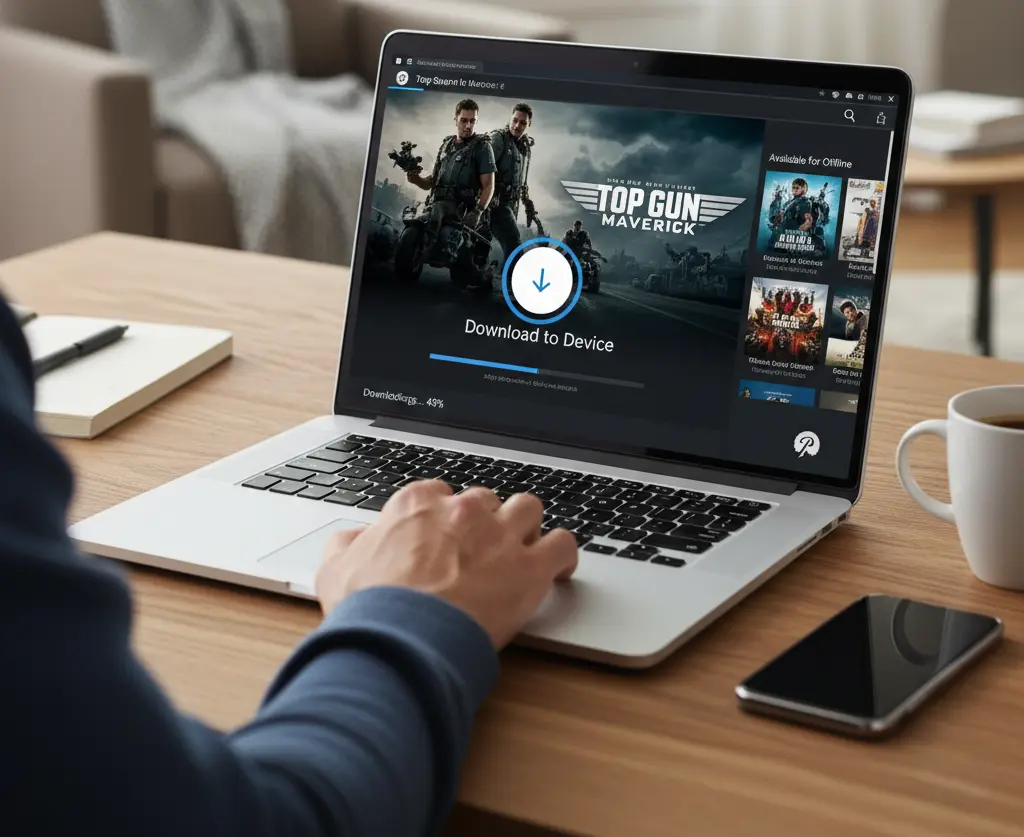
If you’re trying to download movies or shows from Paramount Plus to watch on your Windows PC or Mac laptop, you’ve probably noticed a missing download button. This is not a technical glitch—it’s an official policy from the streaming service.
The official download feature is strictly limited to the mobile app (iOS and Android devices) and is only available to subscribers on the premium Paramount+ with SHOWTIME plan. The standard website and the Windows desktop app only support real-time streaming, which requires an active internet connection.
The Official Restrictions
If you’re a subscriber on the correct plan, here’s what you can do on the mobile app (iOS/Android):
- Plan Requirement: You must have the Paramount+ with SHOWTIME plan.
- Device Limit: Downloads are only supported on smartphones and tablets.
- Expiration: Downloaded content is encrypted and has a time limit: it expires after 30 days if unwatched, or 48 hours once you start playback.
- Content: Not all titles are available for download. Look for the downward-pointing arrow icon next to the title.
Bottom line: The official way to watch on a laptop is by streaming through a web browser.
Unofficial Alternatives for Laptop Viewing
Since an official method doesn’t exist for laptops, some users explore third-party options to get content onto their PC or Mac hard drives.
Disclaimer: These methods often involve tools that strip DRM (Digital Rights Management) and are not endorsed or supported by Paramount Plus. Use these tools with caution and only for personal, private use to avoid potential copyright or legal issues.
- Third-Party Downloaders: Specialized software exists that is designed to detect and download streaming content in standard file formats like MP4 or MKV. These tools usually require you to log in to your Paramount+ account through their interface and may allow downloads even on the Essential plan, bypassing the platform’s device restrictions.
- Screen Recording: You can use a dedicated screen recording application to capture the video while it plays in your browser. This method is often slow (must record in real-time) and results in lower-quality videos but is a method to get the content locally.
In short
The simplest, safest, and officially supported way to watch on your laptop remains streaming directly via the web browser. If you absolutely must watch offline on a laptop, be aware that you will need to rely on unofficial, third-party software that operates outside of Paramount Plus’s terms of service.
Final Verdict
Downloading movies on Paramount Plus is straightforward, provided you have the correct subscription tier and a supported device. With offline viewing, you can enjoy movies anywhere—whether in the air, on the road, or in locations with limited connectivity. By understanding download settings, limitations, and troubleshooting steps, you’ll get the best possible offline streaming experience.
FAQ Section
Q1. What plan do I need to download on Paramount Plus?
A: You need the Paramount+ Premium plan (or the equivalent ad-free tier) to access the official download feature.
Q2. How long do downloaded movies last?
A: Downloads are available for 30 days if unwatched. Once you start playing a video, you have 48 hours to finish watching it before it expires and is automatically removed. You can always download it again.
Q3. Can I download on a laptop or Smart TV?
A: No, the official download feature is only available for the Paramount+ app on supported iOS and Android mobile devices (phones and tablets).
Q4. Is there a limit on the number of downloads?
A: Yes, you can have a maximum of 25 downloaded videos in your library across all devices at any one time.
Q5. Why is the download icon missing for a show?
A: Not all movies and shows are available for download due to licensing agreements. If the download icon ($\downarrow$) is missing, the title cannot be saved for offline viewing.
Q6. What happens if I travel to another country?
A: Downloads may expire or become unavailable if you travel to a different region or country due to content rights.
Short Conclusion
Downloading on Paramount+ is a perfect feature for offline entertainment, provided you have the Premium plan and a compatible mobile device. Just remember the 30-day/48-hour expiration limits to avoid any viewing interruptions.
If you have any questions about this post, “How to Download Movies on Paramount Plus for Offline Viewing,” please let us know by your valuable comment.


